Go.Compare

Design system for all insurance question sets

Summary

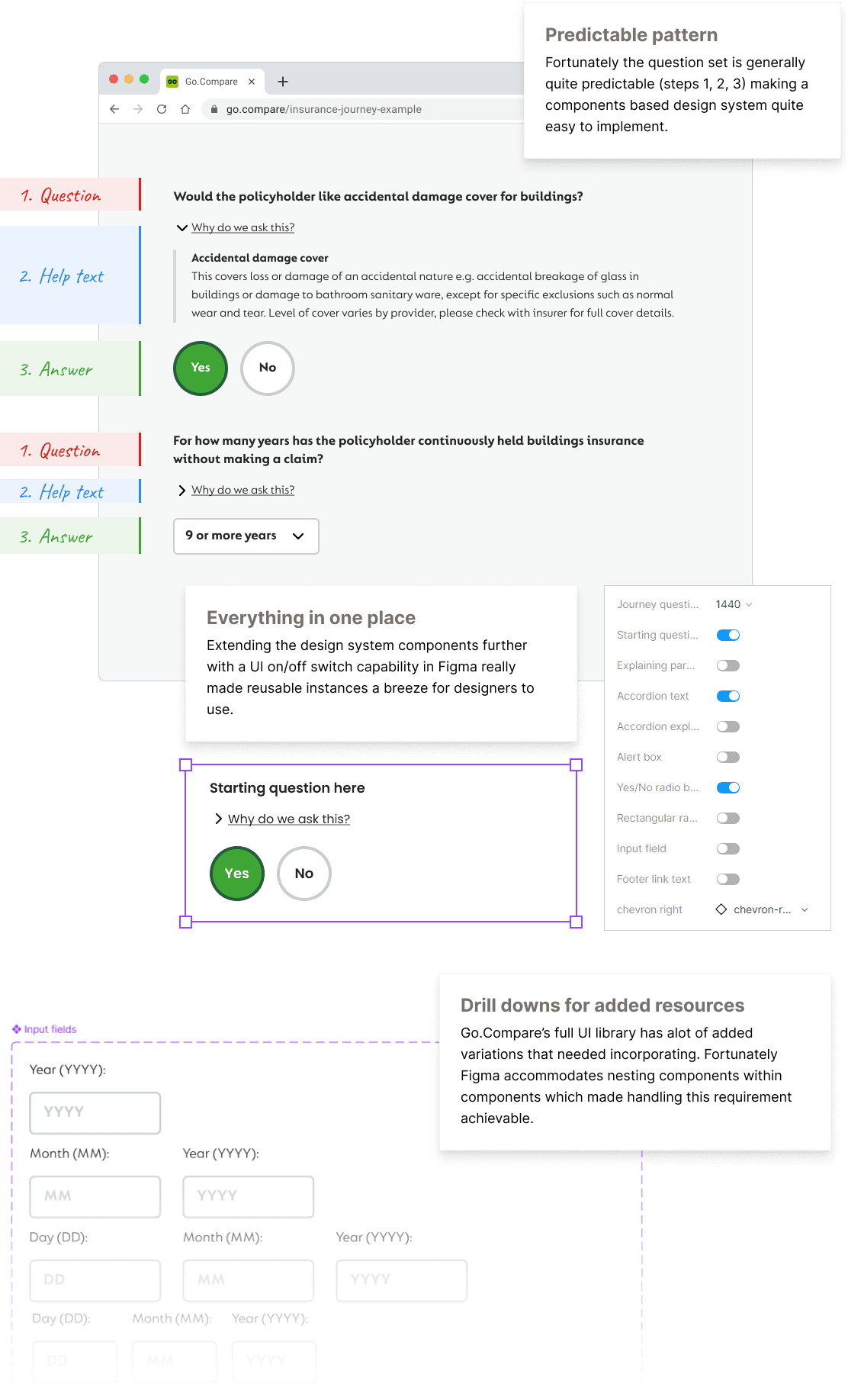
Go.Compare insurance journeys (question sets) generally follow a pattern of: 1. Question 2. Help text 3. Answer choice. By utilising this framework, a design system was created in Figma to enhance the efficiency of crafting precise insurance journeys, ensure a uniform methodology, and serve as the definitive reference point for designers, product owners, and developers.

Background

The old Go.Compare design system is extensive, but not practical as it hadn't been kept up to date, so its accuracy had lapsed over time. Also it was clunky.

My role

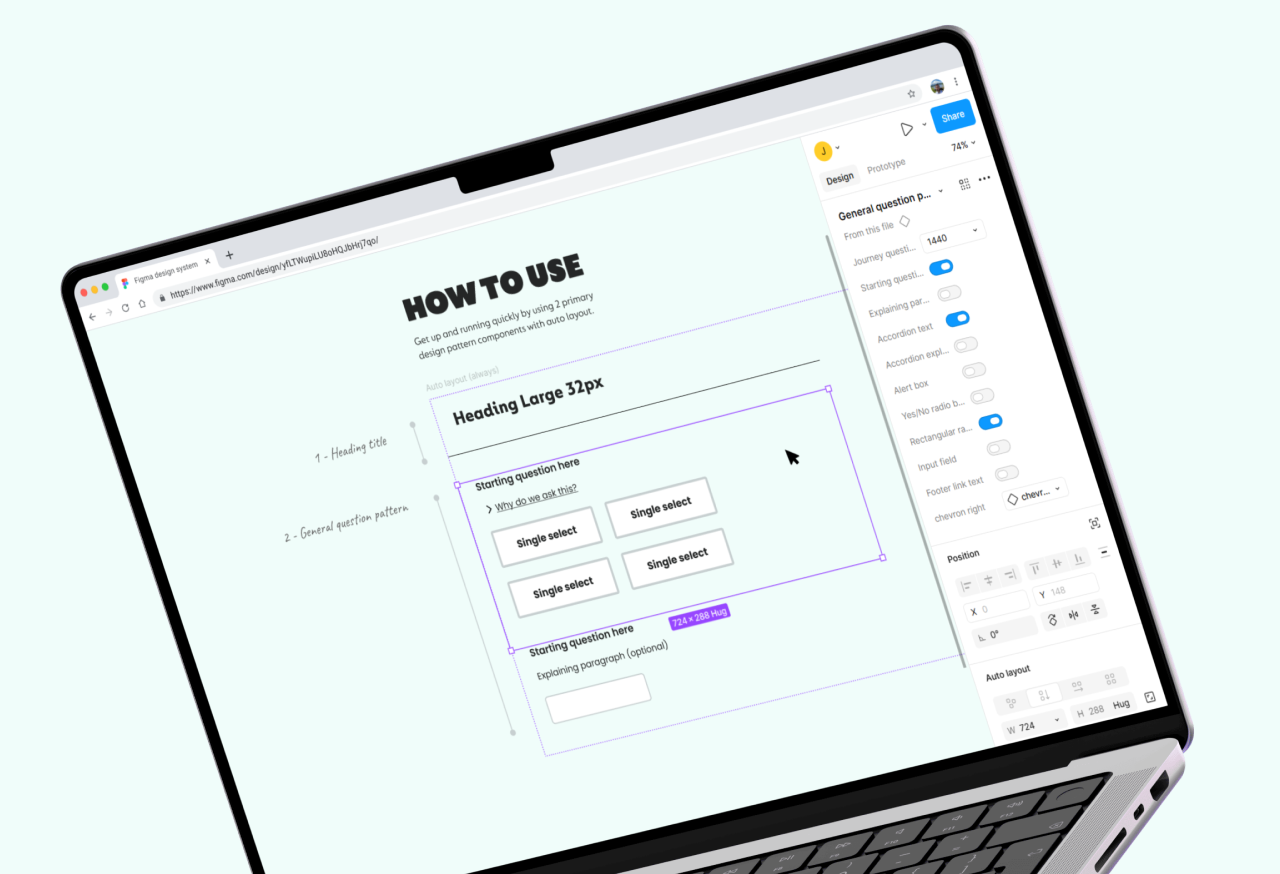
Build all UI elements from scratch • Extend Figma's styles to component patterns with on & off switches • Build interchangeable assets between desktop & mobile views • Present to key stakeholders and get business buy-in

Design & documentation
Figma
Presentation
Google Sheets

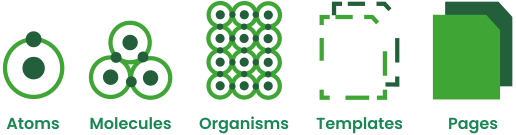
Atomic design: Start by defining all atoms

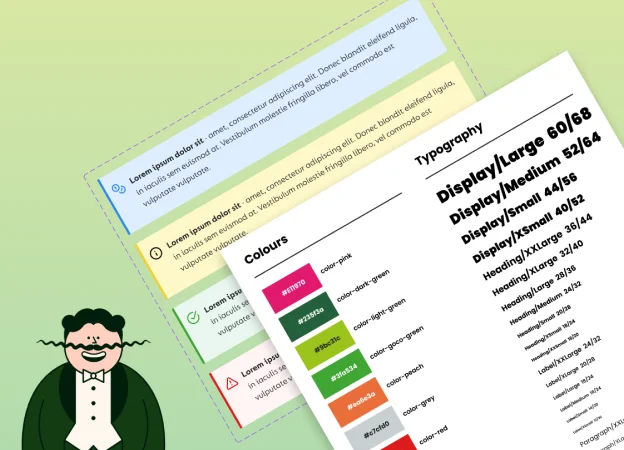
From a clean slate I defined all the individual elements (colours, typography, spacing and imagery) thereby establishing the foundation for a new design system. The next stage was bringing these elements (atoms) together to produce components, then patterns (organisms) and eventually fully defined pages.

Atomic design

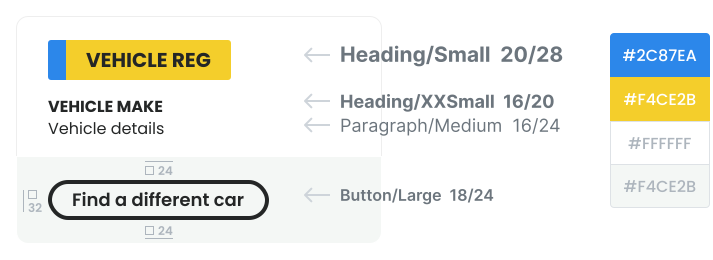
Card component example

card component

Each component is built from the ground up from predefined elements (atoms).

Its real strength is in its ability to pivot. Even though a design system is incredibly structured (rigid) it is also flexible as saved changes ripple through Figma documents thereby remaining a 'single source of truth' across the board.
― Jethro Edwards
Go.Compare switches

text more like this